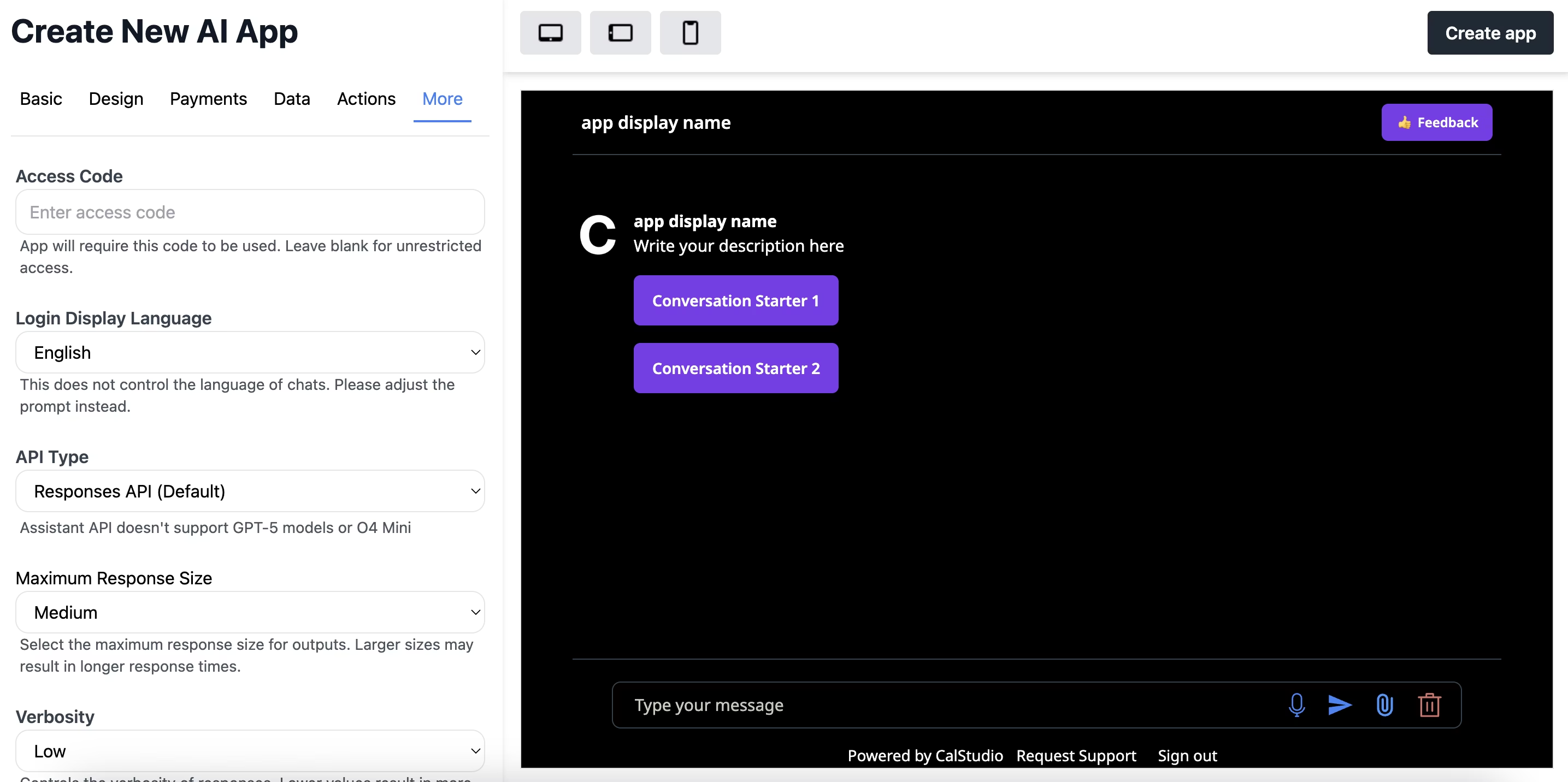
Restrict access to your AI app by setting up an access code. This feature allows you to control who can use your app without requiring full user authentication.
Setting Up an Access Code
Open your app in the editor
Navigate to the More tab
Enter your desired access code in the “Access Code” field
Save your changes
When someone tries to access your app, they’ll need to enter the code to proceed. Leave the access code field blank for unrestricted access.
Access codes are great for beta testing, exclusive communities, or paid access outside of the built-in payment system.
Revoking User Access You can revoke access for individual users through the App Analytics dashboard:
Go to your app’s Analytics section
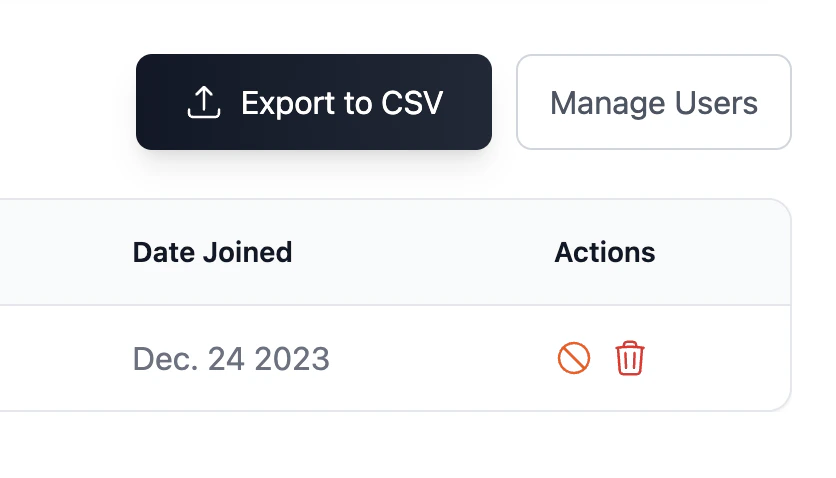
Click on Manage Users
Find the user whose access you want to revoke
Click Revoke Access next to their email
Revoking access is immediate. The user will no longer be able to use your app until you restore their access or they re-authenticate.